Is ChatGPT Plus Worth It in 2026?
How we write our guides: we start from the vendor’s own announcement or documentation, not from other “best of” lists. Launch dates and features are checked against that primary source; anything reported only by coverage is labelled as reported. Prices and allowances are given only when the vendor publishes them — otherwise we say “not published” rather than guessing. We do not invent test results, prices, or rankings. Our guides are drafted with AI assistance, then reviewed and edited before publication; the final call on what we recommend is a human one.
Should you pay for ChatGPT? "Is ChatGPT Plus worth it?" I get asked this constantly, and in 2026 the honest answer is: it depends which tier you are eyeing, because there are now four of them. OpenAI sells Free, Go, Plus, and Pro, and the gap between the cheapest paid plan and the most expensive is over a hundred dollars a month. Pick wrong and you either pay for power you never touch or keep slamming into limits at the worst moment.
The good news is each tier is clearly aimed at a different kind of person, so the decision mostly comes down to how much you lean on ChatGPT and what you actually use it for. Here is what each plan really gets you, where each one falls short, and how to tell which tier, if any, deserves your money.
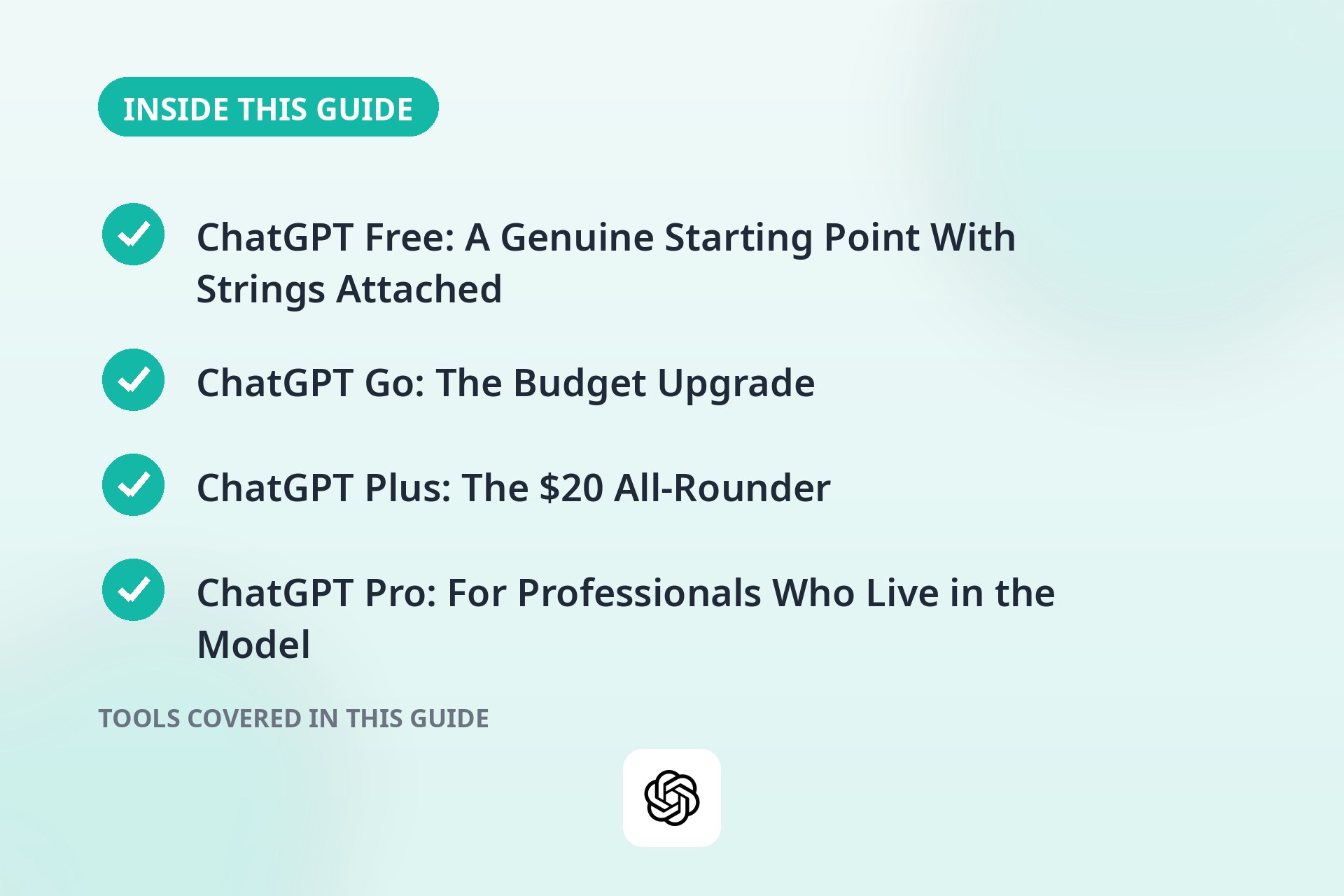
ChatGPT Free: A Genuine Starting Point With Strings Attached
The free tier costs nothing and still covers a surprising amount. You get a capable base model for everyday questions, brainstorming, and short writing tasks, plus a small allowance of messages on the stronger models. For occasional use, a homework question here, a recipe tweak there, it is perfectly fine.
But the limitations got real in early 2026. Free users now see ads inside the interface, which feels strange for a chat app, and the message caps are tight enough that a heavy user can burn through them in one long session. When you hit the cap, ChatGPT does not pause politely. It silently downgrades you to a smaller, less capable model. There is also no Deep Research, no Codex coding agent, and barely any image generation. If you dip in a few times a week, none of this matters. If ChatGPT is part of your daily routine, the friction becomes hard to ignore.
ChatGPT Go: The Budget Upgrade
ChatGPT Go, at around $8 per month, is for people who like ChatGPT but do not need the full professional toolkit. OpenAI pitches it as roughly ten times the free tier's usage quota, which removes most of the daily friction for regular-but-not-intense users.
Go gets you image generation, longer memory so the assistant actually remembers your preferences and projects, and the standard models for writing and coding. What you do not get is Deep Research, the autonomous web-research mode, or the top-tier reasoning models. I think of Go as the "power casual" tier. It suits students, bloggers, and side-hustle builders who want a smoother experience without jumping to $20. Prices do change over time, so verify the current rate on OpenAI's site before you commit.
Is ChatGPT Plus Worth It? The $20 All-Rounder
Plus is where most subscribers land, and at around $20 per month it is where the serious features unlock. The headline is the GPT-5.5 Thinking model, OpenAI's flagship for 2026, which handles harder reasoning, longer documents, and more reliable coding help than anything on the cheaper tiers.
Plus also includes Deep Research, which can spend many minutes autonomously browsing and synthesizing sources into a structured report. I have found it genuinely useful for market research, literature reviews, and travel planning. The Codex coding agent is included too, giving developers agentic help inside their workflow. Add long-term memory, custom GPTs you can build and share, full image generation, and no ads, and Plus becomes the default recommendation for anyone who uses ChatGPT as a daily work tool. Note: since October 2026, Plus runs on GPT-6 Sol with Intelligent UI, which turns answers into interactive charts, calculators, and forms. Our GPT-6 Intelligent UI guide explains what actually changed and what to try first. As always, confirm current pricing on OpenAI's site, since plans and limits shift around.
ChatGPT Pro: For Professionals Who Live in the Model
Pro is the heavy-duty tier, in two flavors: around $100 per month and around $200 per month. The lower Pro tier gives roughly five times the usage limits of Plus, while the top tier gives roughly twenty times, plus exclusive access to OpenAI's most capable reasoning model and enormous context windows. It is priced for people whose income depends on AI output: professional developers, research teams, and agencies running heavy workloads. Here is my rule of thumb. If you have to ask whether you need it, you almost certainly do not.
Worth It If / Skip It If
A quick way to decide:
ChatGPT Plus is worth it if you:
- Use ChatGPT daily for work, whether that is writing, coding, analysis, or client projects
- Need Deep Research for reports, comparisons, or long-form research
- Build or use custom GPTs for a team or business
- Generate images regularly and want them inside your main chat app
- Are tired of ads and model downgrades interrupting your flow
Skip Plus (or stay lower) if you:
- Only chat a few times a week. The free tier's downgrades will not bother you much
- Are a student on a budget. Go at around $8/month probably covers what you need
- Only need quick answers, not research reports or coding agents
- Already get AI through work. Check what your employer provides before paying yourself
If you want context on how ChatGPT stacks up against its rivals before committing to any tier, see our ChatGPT vs Claude vs Gemini comparison. And if writing is your main use case, our guide on how to use ChatGPT for content writing will help you get the most out of whichever plan you pick.
Verdicts by User Type
Students. Most students should start with Free and only consider Go if the ads and caps start annoying them. Plus is overkill unless you are doing thesis-level research, in which case Deep Research alone can justify the $20. Pro is never necessary for coursework.
Writers and content creators. Plus is the sweet spot. The stronger model produces noticeably better drafts, image generation covers featured images, and custom GPTs can be trained on your voice. If you are publishing daily, the $20 pays for itself quickly. Freelance writers billing clients should just expense it without hesitation.
Developers. Plus with the Codex coding agent is genuinely useful for day-to-day work, and many developers find the $20 fair. For dedicated coding tools beyond ChatGPT, see our best AI coding assistants roundup. Step up to Pro only if you are running very long agentic sessions or routinely hitting Plus limits. Most individual developers never will.
Researchers and analysts. Deep Research is the deciding factor here. If your job involves synthesizing many sources into reports, Plus earns its keep in a single afternoon. If research is your main job, also compare Perplexity vs ChatGPT before committing. Heavy users processing huge datasets or very long documents are the rare case where Pro makes sense.
Casual users. Stay on Free. The ads are a mild annoyance, the model downgrades are tolerable for light use, and $20 a month is a lot to pay for occasional curiosity. Revisit the question if your usage creeps upward.
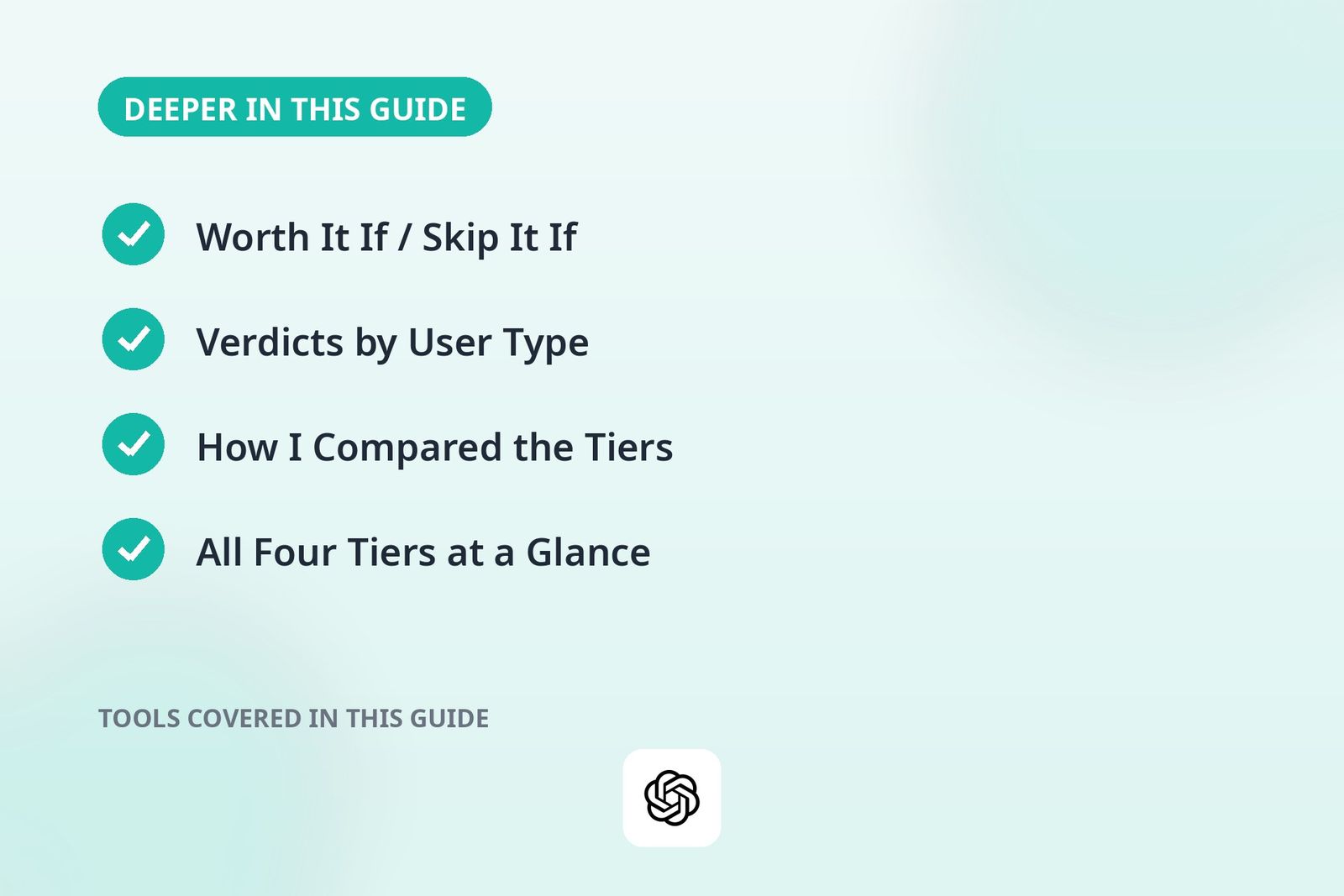
How I Compared the Tiers
I get asked this constantly, so here is my rule of thumb for how I judge subscription tiers. I do not score them on the marketing page. I test them the way you would use them.
First, what breaks when you downgrade. The real test of a tier is not what it adds but what it removes. I pay attention to ads, model downgrades, missing agents, and caps that hit mid-task, because those are what you actually feel day to day.
Second, value per dollar at real usage levels. A $20 plan you use six hours a day is cheap. The same plan you open twice a week is expensive. I map each tier to a usage pattern instead of a user label, because "student" tells you nothing about how much someone chats.
Third, the gaps between tiers, not just the features inside them. The question is never "is Plus good." It is "is Plus $12 better than Go for what I do." Most upgrade regret comes from jumping two tiers when one would have done.
Fourth, who each tier is really for. OpenAI markets to everyone. I look at who actually stays subscribed after month three, and it is almost always people whose work runs through the tool daily.
One caveat: OpenAI changes plans, prices, and limits more often than I change my mind. Everything below is accurate as of this writing. Verify the current numbers on the official site before you pay.
All Four Tiers at a Glance
| Tier | Price | Standout features | Best for |
|---|---|---|---|
| Free | $0 | Base model, small allowance of stronger models | Occasional users |
| Go | ~$8/month | 10x free quota, image generation, longer memory | Regular casual users |
| Plus | ~$20/month | GPT-5.5 Thinking, Deep Research, Codex, custom GPTs, no ads | Daily work users |
| Pro | ~$100-$200/month | 5x-20x Plus limits, top reasoning model, huge context | Heavy professional workloads |
What Deep Research Actually Does
Deep Research is the Plus feature people misunderstand most, so let me explain it plainly. You give ChatGPT a research question, and instead of answering from memory, it goes off and browses the web on its own for several minutes: opening sources, following links, comparing claims, and coming back with a structured report complete with citations.
Where it shines: market research, competitor comparisons, literature reviews, trip planning, and any question where the answer lives across twenty pages rather than one. I have used it for exactly these and saved hours.
Where it flops: fast-moving news, anything behind paywalls, and topics where the best sources are PDFs or databases it cannot reach. It also writes with total confidence about things it got slightly wrong, so treat its output as a strong first draft, not a verified source. Spot-check the key claims against the cited pages before the report goes anywhere important.
Go does not include Deep Research at all. If your work involves synthesizing many sources, this feature alone can justify the jump from Go to Plus.
Codex: The Coding Agent Explained
Codex is the other Plus feature worth understanding before you pay. It is not just autocomplete. It is an agentic coding assistant that can work through multi-step tasks: reading your codebase, writing new code, running tests, and iterating on failures without you holding its hand the whole way.
For developers, this changes the math on Plus. A coding assistant that handles the boring scaffolding while you review is worth $20 a month to anyone who bills for their time. Our best AI coding assistants roundup compares the dedicated alternatives if coding is your whole job.
The honest limits: Codex is strong on routine implementation and weak on novel architecture. It will confidently produce plausible-looking code with subtle bugs, so you still review everything. And very long agentic sessions can chew through Plus limits, which is the one legitimate reason an individual developer might eye Pro.
Alternatives Worth Considering Before You Pay
ChatGPT is not the only game in town, and the right alternative can be cheaper than Plus or free entirely.
Claude. Anthropic's Claude is the strongest rival for writing, analysis, and long documents. Many writers I know prefer Claude's prose to ChatGPT's. If writing is your main job, compare the two in our ChatGPT vs Claude vs Gemini breakdown before you commit to either subscription.
Gemini. Google's Gemini is deeply integrated with Gmail, Docs, and Drive, which is a real advantage if your work lives there. Its free tier is generous, and the paid Google AI Pro plan competes directly with Plus. If you are already paying for Google storage, check what AI comes bundled before adding another subscription.
Perplexity. If your main use is research with citations rather than writing or coding, Perplexity may serve you better than ChatGPT Plus. It is built around sourced answers from the start. Our Perplexity vs ChatGPT comparison lays out the tradeoffs.
Meta Muse. The newest option: Meta launched Muse Wonder, its first frontier model, on October 12 — with paid tiers rolling out at $20 and $100/month and independent scores just behind Claude Opus 5.5. Too new to recommend blindly, but worth watching before you lock into a year of Plus.
My take: do not pay for two AI subscriptions until you have hit the limits of one. Most people pick a primary, and the free tiers of the rivals cover overflow nicely.
Mistakes to Avoid When Choosing a Tier
- Paying for Plus when Free or Go covers you. The most common mistake. If you open ChatGPT a few times a week for quick answers, $20 a month buys you nothing you will notice.
- Buying Pro "just in case." Pro is a professional tool with a professional price. If you have to ask whether you need it, you do not.
- Ignoring what you already get. Check what your employer, school, or existing subscriptions provide before paying yourself. Duplicate AI subscriptions are money on fire.
- Subscribing for one project and forgetting to cancel. Plus is month-to-month, which is great, but only if you actually cancel. Set a reminder for the week the project ends.
- Assuming Plus means unlimited. Plus still has usage caps on the heaviest features. Power users hit them. They are generous, but they exist.
- Treating Deep Research output as verified fact. It browses and cites, but it still makes mistakes with total confidence. Verify key claims before the report goes to a client or a boss.
- Upgrading two tiers at once. The jump from Free to Plus skips Go, and Go is enough for a lot of people. Climb one rung, live there for a month, then decide.
Pro Tips for Getting Your Money's Worth
- Try Plus for exactly one month. That is what month-to-month is for. Run your real workload through it for thirty days, then check whether you would miss it. Data beats speculation.
- Encode repeat workflows as custom GPTs. If you brief ChatGPT the same way every week, build a custom GPT with your instructions, tone, and context baked in. It turns a ten-minute setup into a one-click start.
- Feed memory once, benefit forever. Tell Plus your role, your projects, your preferences, and your writing style in one sitting. Good memory setup compounds every future conversation.
- Time subscriptions around heavy projects. Freelancers can subscribe for the months with client work and drop to Free or Go between projects. The subscription should follow the work, not the other way around.
- Use rivals' free tiers for overflow. When Plus hits a cap mid-session, a free Claude or Gemini tab keeps you moving instead of forcing an upgrade you do not need.
- Sharpen your prompting before you upgrade. A better prompt on a weaker model often beats a lazy prompt on the flagship. Our guide to writing better prompts will save you more money than any tier change.
Frequently Asked Questions
Is ChatGPT Plus still $20 a month in 2026?
Yes, Plus remains priced around $20 per month as of this writing, with new Go (around $8/month) and Pro (around $100 and $200/month) tiers sitting below and above it. OpenAI adjusts plans periodically, so always verify the current price on the official site before subscribing.
Can I cancel ChatGPT Plus anytime?
Yes, it is a month-to-month subscription with no annual commitment. You can cancel from your account settings and keep access until the end of the billing period. That makes it easy to try for a month and drop back to Free or Go if you are not getting value from it.
What is the difference between ChatGPT Go and Plus?
Go (around $8/month) offers roughly ten times the free tier's quota plus image generation and longer memory, but no Deep Research and no top-tier reasoning models. Plus (around $20/month) adds Deep Research, the Codex coding agent, the flagship GPT-5.5 Thinking model, custom GPTs, and no ads. Go suits regular casual users, while Plus suits people who use ChatGPT as a work tool.
Does the free version of ChatGPT really show ads now?
Yes, it does. Since early 2026, the free tier includes ads in the interface. Free users also face tight message caps and get auto-downgraded to a smaller model when they exceed them. Paid tiers are ad-free.
Is ChatGPT Pro worth it for an individual user?
For almost everyone, no. Pro at around $100 or $200 per month is designed for professional workloads: heavy research, long agentic coding sessions, enormous context windows. Individual users rarely hit Plus's limits, and the exclusive top reasoning model on the $200 tier only matters for the most demanding tasks.
Is there an annual plan for ChatGPT Plus?
As of this writing, Plus is a month-to-month subscription with no annual commitment and no annual discount. That is actually good for you: it makes a one-month trial painless. OpenAI has changed billing options before, so check the official pricing page for the latest.
Does ChatGPT Plus include unlimited messages?
No. Plus raises the caps substantially compared to Free and Go, but heavy usage of the flagship models, Deep Research, and long Codex sessions still counts against limits. For normal daily work you will rarely notice them. For marathon sessions, you might.
Can I share my ChatGPT Plus account with someone else?
OpenAI's terms treat accounts as per-person, and sharing logins can trigger security flags or lockouts. If two people need Plus, two seats is the clean path. For teams, look at OpenAI's business plans instead of sharing one login.
What happens to my custom GPTs if I cancel Plus?
Your custom GPTs and their configurations stay tied to your account, but building and using most custom GPT features requires an active paid plan. Cancel and you keep your account and history, then regain full GPT functionality if you resubscribe.
Conclusion
So, is ChatGPT Plus worth it in 2026? For daily work users, writers, developers, researchers, and freelancers, yes. The $20 is one of the best-value subscriptions in AI right now. The combination of the flagship thinking model, Deep Research, the Codex coding agent, and an ad-free experience genuinely saves hours every week. For casual users and budget-conscious students, though, Free and Go cover the essentials without the monthly charge. My advice: start low, upgrade when the limits actually slow you down, and let your usage, not the hype, decide.
Reader reviews
Loading reviews…