ChatGPT Images 2.6: GIFs, SVG Export and a Hidden Price Rise
How we write our guides: we start from the vendor’s own announcement or documentation, not from other “best of” lists. Launch dates and features are checked against that primary source; anything reported only by coverage is labelled as reported. Prices and allowances are given only when the vendor publishes them — otherwise we say “not published” rather than guessing. We do not invent test results, prices, or rankings. Our guides are drafted with AI assistance, then reviewed and edited before publication; the final call on what we recommend is a human one.
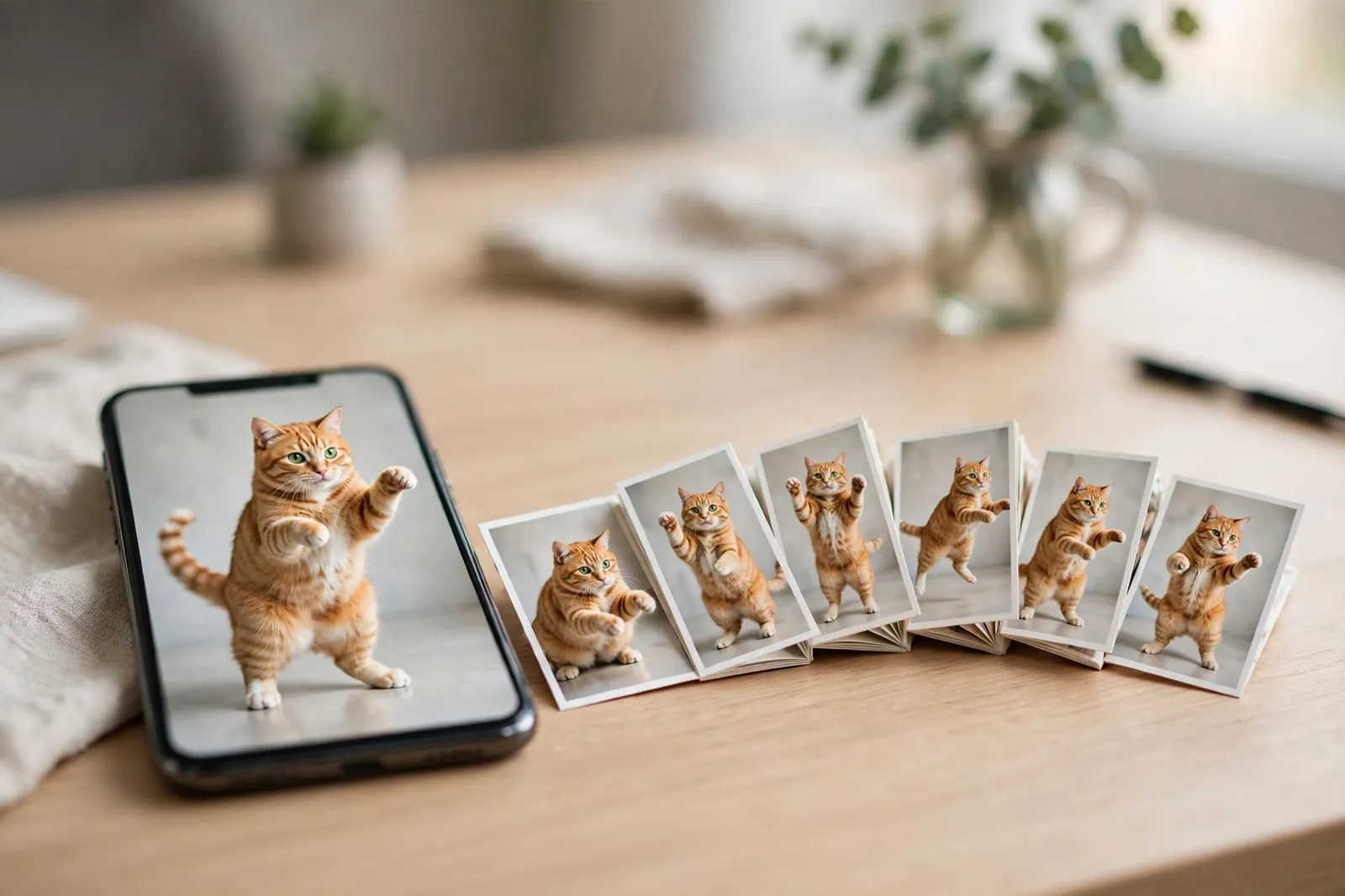
OpenAI's image model learned to move this week. ChatGPT Images 2.6, released on November 4, 2026, turns prompts and photos into animated GIFs, remembers your reference images so a character looks the same in every new picture, exports proper SVG vector files, and — by OpenAI's account — generates images 50% faster than before. It is live now in ChatGPT and Codex on every subscription tier, and in the API as two models, GPT-Image-2.6 Flare and GPT-Image-2.6 Sunburst.
It is also, quietly, a price rise. The per-token rates are identical to Images 2.5, and OpenAI's launch post leads with speed — but OpenAI's own token calculator shows that a low-quality image now consumes 4.2 times as many output tokens as the same image did on 2.5, and a medium image 3.3 times as many. The cheapest API images just got three to four times more expensive while the headline price stayed flat. Both halves of that story matter, and this guide covers each: what 2.6 actually adds for ChatGPT users, how Flare and Sunburst differ for developers, the full cost table with the multiplier applied, and the limits OpenAI's announcement does not mention. If you are deciding whether to build on it, our ChatGPT review covers the subscription side and our best free AI image generators roundup covers the alternatives.
Images 2.6 at a glance
| ChatGPT Images 2.6 | |
|---|---|
| Released | November 4, 2026 |
| Where | ChatGPT and Codex (all tiers, web/desktop/mobile), OpenAI API |
| API models | gpt-image-2.6-flare (speed), gpt-image-2.6-sunburst (detail) |
| Headline features | Animated GIFs, saved reference images, SVG export, markup edits |
| Speed claim | 50% faster (OpenAI, no published baseline); Flare "as little as six seconds" at low quality |
| Quality levels | low, medium, high, xhigh, max (carried over from 2.5) |
| Token rates (API) | Text input $5/1M · image input $8/1M · image output $30/1M — same as 2.5 |
| The catch | Low/medium images use 4.2x / 3.3x more output tokens than 2.5 |
| Batch API discount | Not listed for 2.6 yet (2.5 has a half-price Batch rate) |
What ChatGPT users actually get
GIFs: the feature everyone will try first
Ask ChatGPT to "make a GIF of a cat dancing," hand it a photo, a sketch or your brand mascot, and Images 2.6 returns a short looping animation. You can adjust the playback speed and edit individual frames afterwards. It is worth understanding what a "GIF" means here: the model is not generating video. It draws a series of frames of the same subject — a flipbook — and strings them together. In the API, a GIF runs from 2 to 64 frames at 20 to 2,000 milliseconds per frame, with a default of 9 frames at 200 milliseconds, about 1.8 seconds of loop. That is exactly the right shape for reaction GIFs, mascot loops, animated stickers and storyboards, and exactly the wrong shape for anything that needs real motion physics. Two practical notes: OpenAI says GIF creation is still rolling out, so it may not appear in your account on day one; and ChatGPT cannot currently edit an animated GIF that you upload — it can only create new ones.
Saved reference images: the consistency fix
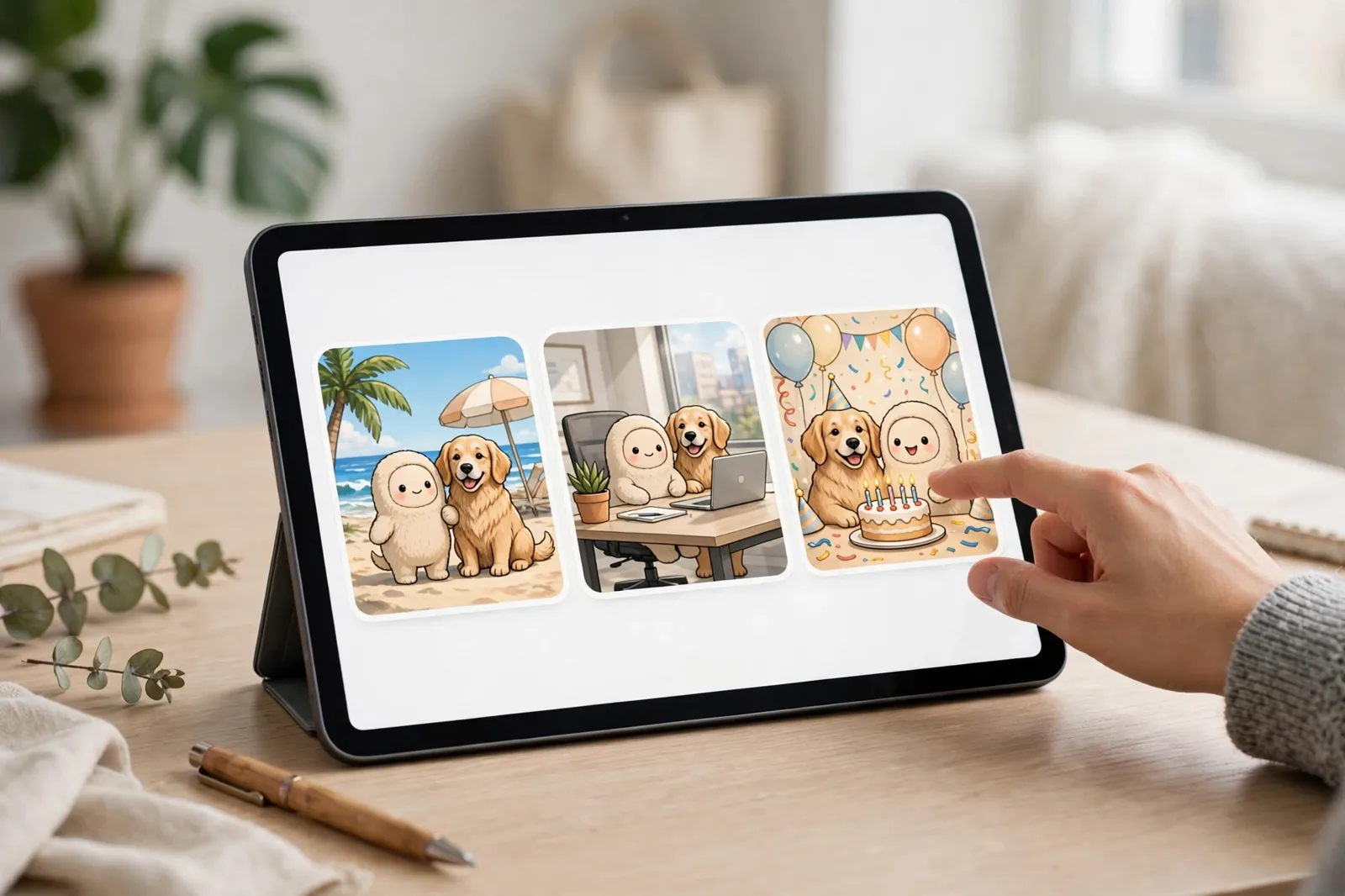
The most useful change for anyone doing repeat work is quieter. You can now save reference images — yourself, your pet, a product, a character — and reuse them in new creations without uploading them again each time. Character consistency has been the standing complaint about AI image tools: every edit round risks a slightly different face. Saved references attack the storage half of that problem, and OpenAI's system card says 2.6 also improves editing consistency and detail preservation across rounds. There is no public benchmark for the claim in the launch post, so treat "more consistent" as OpenAI's description rather than a measured result — but the direction is right, and it is the feature that matters most for the use cases that make money: product lines, illustrated characters, and personal branding shots of the kind our best free AI headshot generators guide covers. One caution worth stating plainly: a saved reference image of a real person is personal data sitting in your account. Save your own face freely; think twice before saving a colleague's.
Markup editing: point at the change
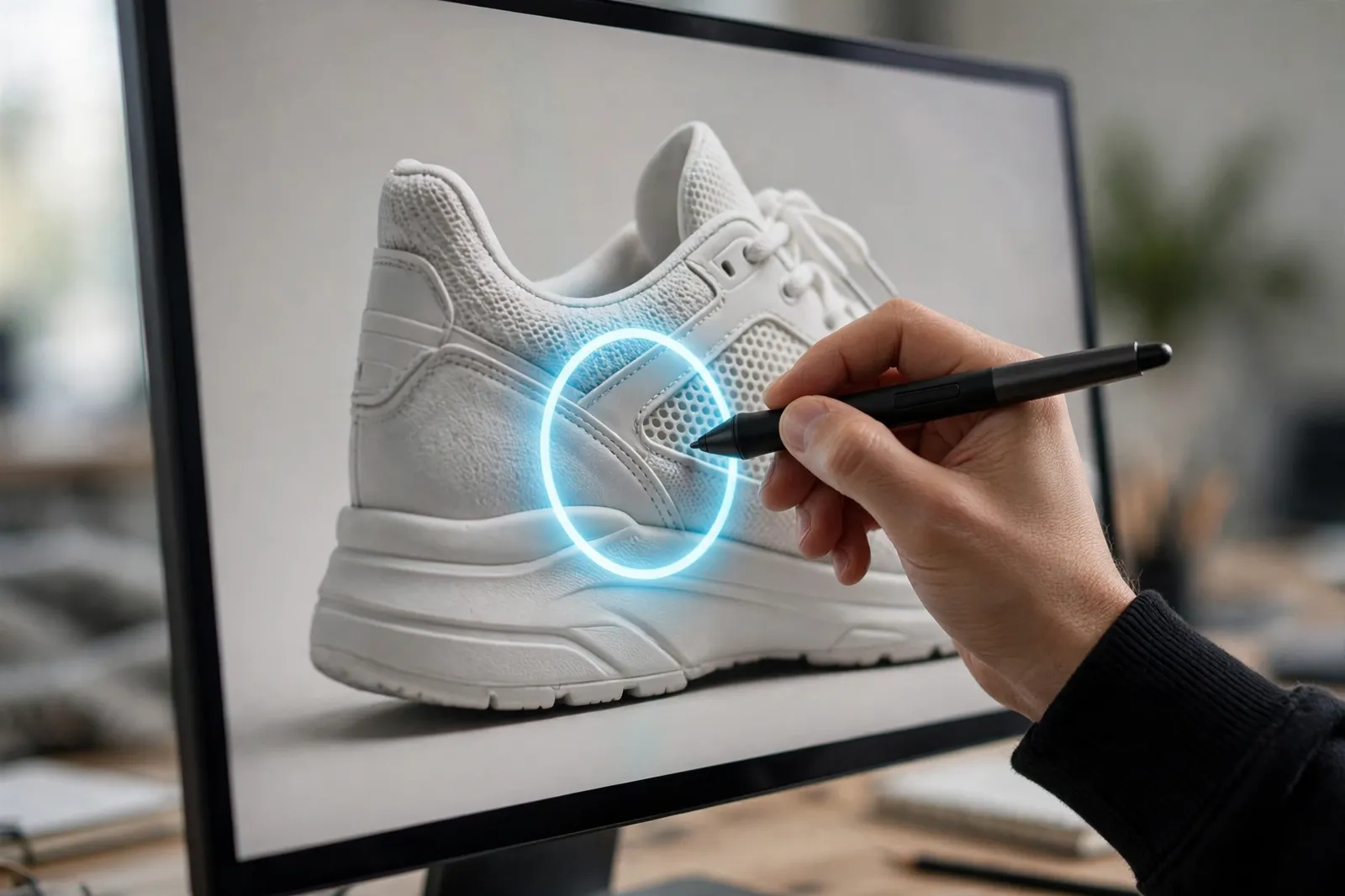
Instead of typing "shrink the logo on the sleeve — no, the other sleeve," you can now draw on the image: circle the area, annotate it, and the model edits where you pointed. In the API this arrives as a markup parameter — a transparent annotation layer that tells the model where changes belong, replacing the older mask workflow. For product photography and ad creative, where the brief is always "keep everything, change this one thing," markup is the difference between a tool you fight and a tool you direct. It pairs naturally with the reference-image workflow: save the product once, then mark up each variant.
Working with 2.6: GIFs and references in practice
Because the two headline features reward technique, a short field guide. For GIFs, start from a still you already like rather than a cold prompt: a strong first frame anchors all the others, and the frame-editing controls let you repair the one frame where the hands go wrong instead of regenerating the whole loop. Keep the motion simple and centred — a mascot waving, a product rotating a few degrees, steam rising from a cup. Flipbook animation punishes ambition: the more of the scene that moves, the more each frame can disagree with its neighbours. Short loops at the default nine frames read as polish; long ones read as errors. For references, save the clearest, most neutral version of a subject — front-lit, uncluttered background, no extreme angle — because every future generation inherits that frame's biases. A character saved mid-expression will keep drifting back to that expression; a product saved with a harsh shadow will cast it forever. And build a small library deliberately: one reference per character, product or person, named by use, rather than a pile of maybes. The teams who get consistency out of tools like this treat references the way photographers treat a casting book — curated once, then reused without thinking.
Flare vs Sunburst: two API models, one price
Developers do not get "Images 2.6" as a single model. Following the split Images 2.5 introduced in September, the API offers two model IDs. GPT-Image-2.6 Flare (gpt-image-2.6-flare) is the speed tier: OpenAI says it can return an image in as little as six seconds at low quality, and that its layout quality for posters and product imagery has improved. GPT-Image-2.6 Sunburst (gpt-image-2.6-sunburst) is the detail tier, aimed at higher-detail generation and edits that stay consistent across rounds, at medium quality and above. Both expose the same five quality levels, the same new controls, and — importantly — the same token rates, so the choice between them is seconds versus detail, not dollars. The third-party comparison at Apidog's Flare vs Sunburst breakdown reaches the same conclusion from its own testing.
Which should you default to? Flare for iteration and volume: drafts, variants, poster layouts, anything where a human picks the winner from twenty candidates and six seconds each keeps the loop tight. Sunburst for finals: hero images, product shots, and any edit chain where drift compounds — the multi-round editing work where 2.6's consistency improvements are aimed. A sensible production setup routes drafts to Flare and approvals to Sunburst, which costs nothing extra per token and buys back the one resource that does not scale, your review time. Creators working the other side of the stack — scripts, thumbnails and channels rather than API calls — will find the matching workflow picks in our best AI tools for YouTubers.
Three new controls ship with both models, and one of them is genuinely new thinking. The complexity parameter (low, medium, high, with high as the default) sits beside quality and controls how much planning the model does before it draws — a scene with many constraints gets more planning, a quick edit gets less. The markup parameter brings the annotation-layer editing described above into the API. And SVG output (output_format: "svg") returns real vector graphics for websites, apps and print — with firm limits: one image per request, no streaming, no partial images, and SVG edits are not supported. Vector output from a mainstream image model is a bigger deal than it looks; logos, icons and interface illustrations are vector-native work that raster generators have always served badly, a gap we noted when testing the models in our FLUX 3 and Klein guide.
The price story: same rates, more tokens
Here is the part of the launch that needs a calculator. OpenAI's pricing page lists GPT-Image-2.6 at exactly the 2.5 rates: $5 per million text input tokens ($1.25 cached), $8 per million image input tokens ($2 cached), $30 per million image output tokens. Both models, both the same. What changed is how many output tokens an image consumes. OpenAI's own token calculator applies a multiplier to 2.6 at the lower quality levels — reported consistently by the pricing analyses at eesel AI and others who read the calculator's code the day after launch:
| Quality (1024×1024) | 2.5 output tokens | 2.6 output tokens | 2.5 cost/image | 2.6 cost/image | Change |
|---|---|---|---|---|---|
| low | 196 | 823 | $0.0059 | $0.0247 | 4.2x |
| medium | 439 | 1,449 | $0.0132 | $0.0435 | 3.3x |
| high | 1,756 | 1,756 | $0.0527 | $0.0527 | same |
| xhigh | 3,122 | 3,122 | $0.0937 | $0.0937 | same |
| max | 7,024 | 7,024 | $0.2107 | $0.2107 | same |
Read it from the workload's point of view. A thousand low-quality draft images — the classic Flare use case — cost about $5.90 in output tokens on 2.5 and about $24.70 on 2.6. A thousand medium images rise from roughly $13 to $43. A thousand high-quality finals cost about $53 on either version: untouched. So the "price rise" is precisely targeted at the cheap end of the market, the draft-and-variant workflows, while final-quality pricing is frozen. Whether that is a fair trade depends on whether 2.6's low tier is genuinely better than 2.5's — the extra tokens presumably buy the improved layout and detail the launch describes — but it is a trade buyers should make knowingly, and the announcement does not mention it. Two more cost notes: per-image figures above are output tokens only (edits also bill the reference image as input), and token counts vary by prompt, so read usage.output_tokens from your real responses before budgeting. And as of November 5, the pricing page's Batch tab — the half-price overnight tier — listed 2.5 but neither 2.6 model, so batch workloads currently get no discount on the new models. ChatGPT subscribers, of course, pay none of this: for them 2.6 is simply the subscription they already have, which is also why the GIF and reference features, not the API arithmetic, are the consumer story.
Images 2.6 vs 2.5: should you switch?
| Images 2.5 | Images 2.6 | |
|---|---|---|
| Released | September 2026 | November 4, 2026 |
| API models | Flare + Sunburst introduced | Flare + Sunburst, improved |
| GIF output | No | Yes — 2–64 frames in the API |
| Saved references in ChatGPT | Upload each time | Save once, reuse |
| Markup edits | ChatGPT only | ChatGPT + API markup parameter |
| SVG export | No | Yes (API, single image, no edits) |
| Complexity control | No | Yes — low / medium / high |
| Token rates | $5 / $8 / $30 per 1M | Identical |
| Cost at low/medium | Baseline | 4.2x / 3.3x more output tokens |
| Batch API discount | Half price listed | Not listed yet |
For ChatGPT users the switch is automatic and one-directional: same app, new tricks, no decision to make. For API users it is a real choice. Switch now if GIFs, SVG output or markup-guided edits unlock something your product needs, or if your volume sits at high quality and above, where pricing is unchanged. Stay on 2.5 — while it remains available — if your workload is high-volume low/medium drafting and the 3–4x token increase buys quality you cannot see in your outputs; run both on your own prompt set for an afternoon and compare cost per accepted image, which is the only unit price that has ever mattered. The full announcement, for the record, is OpenAI's Images 2.6 launch post on its developer community. And if your pipeline leans on plain raster utilities around the models — resizing, cleanup, prep — the browser tools in our background remover guide still do that work for free.
Why GIFs and SVG matter more than they look
Neither headline feature is glamorous, and both are aimed at real money. GIFs are the native currency of the feeds these images are made for: a looping mascot outperforms a static one in every social format that matters, and until now making one meant leaving the generator for an animation tool, a video model, or a frame-by-frame afternoon. Collapsing that into the same prompt box is the kind of convenience that moves casual users in millions — the new-generation audience every platform is currently courting. SVG is the mirror image on the professional side: the entire economy of logos, icons, app illustrations and print graphics runs on vectors, and raster AI has been locked out of it, producing pictures of logos rather than logos. A mainstream model that returns editable paths — however limited the first version, one image at a time and no SVG edits — opens a workflow that designers actually bill for. Read together, the two features say what 2.6 is really about: not a leap in raw image quality, which this release does not even benchmark, but a widening of what one model can hand back — motion for the feed, vectors for the studio, and references that remember. That is a platform play, and it is why this modest version number deserves a full guide.
Limits and open questions
A launch-day guide should say what is not known as clearly as what is. The speed claim has no baseline. "50% faster" appears throughout OpenAI's material without a published prompt set or a named comparison point; Flare's "as little as six seconds" is explicitly a low-quality figure. Timings will vary by size, quality and load — measure your own. The quality claims have no public benchmark. The launch post measures none of the consistency, detail-preservation or sketch-response improvements with a public test; the system card describes them, third-party boards have not yet scored them, and the customer quotes in coverage are endorsements, not evaluations. GIF quotas on the free tier are unpublished — the ChatGPT pricing page lists image generation on Free as "Limited" without a GIF-specific number, and GIF creation itself is still rolling out. The token multiplier may be documented later — it was found in the calculator's code by outside analysts, not in the launch materials; if OpenAI publishes an official per-image table, prefer it to every number in this guide. And the Batch discount gap may close — its absence on November 5 is a launch-week fact, not a policy. None of this makes 2.6 a bad release; it makes it a two-day-old one, and the honest posture toward two-day-old software is enthusiasm with a stopwatch. One more structural note for teams standardising on it: everything distinctive about 2.6 — the saved references, the GIF frames, the markup layers — lives inside OpenAI's surfaces and formats. Work you build on references saved in ChatGPT does not travel to another provider, and a pipeline tuned to the complexity dial has no equivalent knob elsewhere. That is not an argument against adopting it; it is an argument for keeping your source assets — the original photos, characters and prompts — archived outside the platform, so the library you curate this month is still yours if you ever move.
Frequently Asked Questions
Is ChatGPT Images 2.6 free?
It is included in ChatGPT on every tier, including Free, on web, desktop and mobile — with image generation on the Free plan listed as "Limited," and no published GIF-specific quota. In the API it is pay-as-you-go per token: $5 per million text input tokens, $8 per million image input and $30 per million image output, the same rates as Images 2.5.
What is the difference between GPT-Image-2.6 Flare and Sunburst?
Flare is the speed model — images in as little as six seconds at low quality, with improved layout for posters and product work. Sunburst is the detail model — higher-detail generation and stronger consistency across edit rounds at medium quality and above. They cost exactly the same per token and share the same features; the choice is iteration speed versus final quality.
Did Images 2.6 get more expensive?
Per token, no — rates are identical to 2.5. Per image, at low and medium quality, yes: OpenAI's own token calculator shows a low-quality 1024×1024 image using 823 output tokens on 2.6 versus 196 on 2.5 (4.2x), and a medium image 1,449 versus 439 (3.3x). At high, xhigh and max the token counts — and therefore the costs — are unchanged. In ChatGPT itself there is no per-image charge at all; this only affects API billing.
How do the new GIFs work?
ChatGPT turns a prompt or an image into a series of frames of the same subject — a flipbook, not a video — which you can re-time and edit frame by frame. In the API you choose 2 to 64 frames at 20 to 2,000 milliseconds each; the default is 9 frames at 200 milliseconds. ChatGPT cannot edit a GIF you upload; it creates new ones. Availability is still rolling out.
What is the new complexity setting?
A control beside quality that sets how much planning the model does before drawing: low, medium or high (the default). OpenAI recommends low complexity for quick edits and medium or high when a scene carries many constraints. It is separate from quality — quality is about the render, complexity is about the thinking beforehand.
Verdict
Images 2.6 is two releases wearing one version number. For ChatGPT users it is an unambiguous upgrade: GIFs for the posts and memes that actually travel, saved references for the characters and products that must stay themselves, and markup editing that finally lets you point at the problem instead of describing it. For API developers it is a trade that deserves a spreadsheet: real new capabilities — SVG vectors, markup parameters, the complexity dial — against a silent 3–4x rise in the cost of cheap images and a Batch discount that has not arrived yet. The models did not get more expensive; the cheap work did. Run your own prompts through both versions, count cost per accepted image, and let that number — not the launch post — make the decision. OpenAI says people now create about 4 billion images a week across ChatGPT, Codex and the API; after this release, a growing share of them will move.
Reader reviews
Loading reviews…