How to Use ChatGPT for Content Writing (Beginner's Guide)

Learning how to use ChatGPT for content writing is one of the fastest ways to speed up your writing process. I have seen bloggers cut their drafting time in half once they stop treating the chatbot like a search box and start treating it like a junior writer who needs good briefs. This guide walks you through everything from setup to a repeatable 7-step workflow you can start using today.
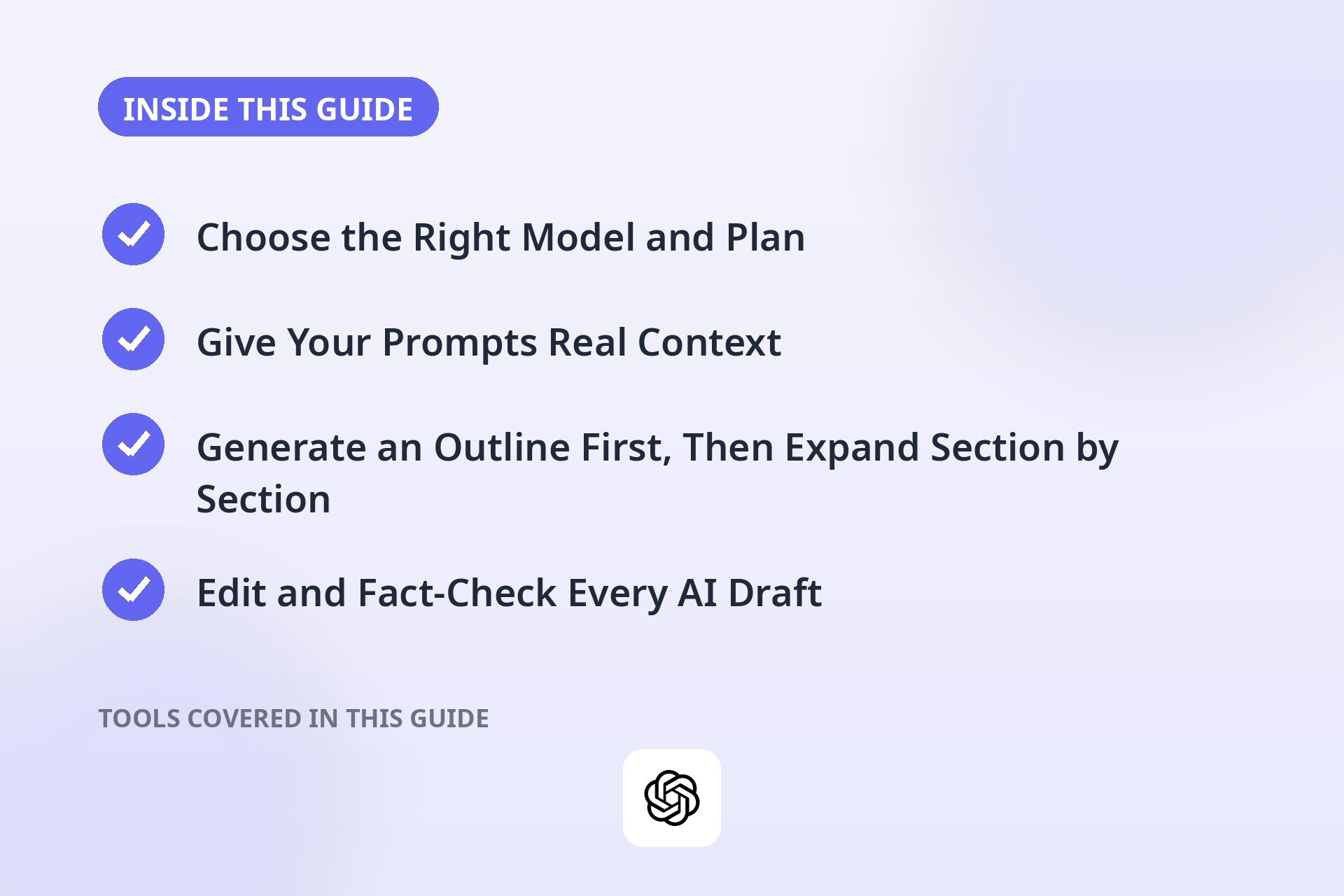
Choose the Right Model and Plan
Before you write a single word, pick the right setup. ChatGPT offers a free tier and paid tiers, such as Plus and the higher business plans. The free tier is fine for short drafts and experimenting with prompts. Paid tiers generally give you access to newer models with better reasoning, longer context windows, and higher usage limits, which starts to matter when you are working on long articles.
For content writing, a paid plan is worth it if you produce content regularly. Longer context windows let you paste in brand guidelines, past articles, and outlines without the model forgetting earlier details. Newer models also tend to follow instructions more precisely and hallucinate less often.
Start free, learn the basics, then upgrade once you are publishing regularly and the limits start slowing you down.
Give Your Prompts Real Context
The biggest beginner mistake is writing prompts like "write a blog post about email marketing." Vague prompts get vague output. Instead, give ChatGPT the context a good human writer would need:
- Your audience: who is reading this and what do they already know?
- Your goal: what should the reader do or learn after reading?
- Tone and style: casual, professional, witty, technical?
- Length and format: approximate word count, headings, bullet lists, examples needed?
- Key points to include: the facts, angles, or examples you want covered.
A strong prompt looks like this: "Write a 600-word blog post section for small business owners who know nothing about email marketing. Explain what an autoresponder is in plain language, give one concrete example, and use a friendly, encouraging tone. Use short paragraphs and one bullet list."
That single change, adding audience, goal, tone, and format, will improve your output more than anything else you do.
Generate an Outline First, Then Expand Section by Section
Do not ask for a full article in one prompt. Long, single-shot generations tend to drift, repeat themselves, and lose structure halfway through. A better approach is to work in two passes.
First, ask for an outline: "Create a detailed outline for a 1,500-word article on [topic] aimed at [audience]. Include H2 headings and 3 to 4 bullet points under each."
Review the outline yourself. Rearrange sections, add missing angles, and cut anything off-topic. Your judgment here is what makes the final piece yours, and it is the step most people skip.
Then expand one section at a time: "Write the section 'Choosing Your First Email Platform' from the outline above. Keep it around 300 words, beginner-friendly, and include one real-world example." Working section by section keeps the writing focused, and you can adjust direction as you go instead of discovering problems in a finished draft.
Edit and Fact-Check Every AI Draft
This is non-negotiable. AI models can and do hallucinate. They invent statistics, quote studies that do not exist, and state facts with complete confidence. Never publish AI-generated text without verifying claims.
Here is a practical editing checklist:
- Fact-check every specific claim. Statistics, dates, names, and quotes all need verification against a real source.
- Check links and references. If the draft cites a study or website, confirm it exists and says what the draft claims.
- Read for logic gaps. AI writing can sound smooth while making no sense. Read critically, especially the transitions between ideas.
- Cut repetition. Models love restating the same point in different words. Trim it ruthlessly.
- Add your own experience. Personal examples, opinions, and stories are what readers actually value, and AI cannot supply them.
Think of ChatGPT as a fast first-draft assistant, not a publisher. You are the editor-in-chief, and the buck stops with you.
Match Your Brand Voice with Examples
Generic AI writing has a recognizable, bland tone. You know the one. To avoid it, teach the model your voice by showing it examples. Paste 2 to 3 paragraphs of your own writing and say: "Study the tone, sentence length, and vocabulary in this sample. Then write the following section in a similar voice."
You can also describe your voice explicitly: "Write in a conversational tone, use short sentences, avoid jargon, and address the reader as 'you.'" Keep a short voice guide document with your preferred tone, words to avoid, and formatting rules, and paste it into important writing sessions. It takes two minutes and pays off every time.
One warning: voice matching works best as a starting point. Always do a final pass yourself, because the model will occasionally slip back into its default style mid-paragraph.
Avoid Plagiarism Concerns
AI-generated text is technically new text, but that does not mean you are in the clear. The model was trained on vast amounts of published writing, and it can occasionally produce passages that closely resemble existing content. For professional and academic work, that is a real risk.
Protect yourself with a few habits:
- Run important drafts through a plagiarism checker before publishing.
- Never ask the model to reproduce copyrighted material, song lyrics, or long passages from books.
- Rewrite key passages in your own words during editing, which you should be doing anyway.
- Add original research, quotes, and examples. The more of you is in the piece, the less this matters.
For client work, be transparent about your process. Many clients are fine with AI-assisted drafting as long as the final product is original and accurate.
Your 7-Step Content Writing Workflow
Here is a simple, repeatable workflow that ties everything together:
- Define the goal. Decide the topic, target keyword, audience, and what the reader should take away.
- Gather your raw material. Collect facts, statistics, examples, and source links yourself before prompting.
- Generate an outline. Ask ChatGPT for a structured outline and edit it until it reflects your angle.
- Draft section by section. Expand one heading at a time with detailed, context-rich prompts.
- Add your voice. Insert personal examples, opinions, and stories. Rewrite flat passages.
- Fact-check and edit. Verify every claim, cut repetition, and run a plagiarism check.
- Final polish. Read the whole piece aloud, fix transitions, and check formatting before publishing.
Follow these steps and you will produce content faster without sacrificing quality or originality.
Frequently Asked Questions
Is it okay to use ChatGPT for professional content writing?
Yes, as long as you edit, fact-check, and add original value. Many professional writers use AI for first drafts and research assistance. Problems only arise when people publish raw, unverified output or misrepresent AI-generated work as entirely their own.
Will Google penalize AI-written content?
Google's stated position is that it rewards helpful, original content regardless of how it was produced, and penalizes low-quality or spammy content regardless of origin. Heavily edited, accurate, genuinely useful AI-assisted content is fine. Mass-produced, unedited AI filler is not.
How do I stop ChatGPT from sounding so robotic?
Give it examples of your writing, specify the tone precisely, and ask for short sentences and concrete examples. Then edit the draft yourself. The combination of good prompting plus human editing removes most of the robotic feel.
Can ChatGPT replace a human content writer?
For now, no. It is excellent at drafts, outlines, and idea generation, but it cannot do original research, conduct interviews, apply real judgment, or verify facts. The best results come from a human writer using AI as a tool, not a replacement.
What is the biggest mistake beginners make with ChatGPT?
Publishing the first draft without editing. The first output is a starting point, not a finished product. Fact-checking, voice editing, and adding original insight are what turn an AI draft into content worth reading.
Going further: decide whether to pay with our is ChatGPT Plus worth it breakdown, and compare full drafting platforms in the best AI writing tools roundup.
Conclusion
Using ChatGPT for content writing comes down to a simple formula: give great prompts, work in small sections, and never skip the human editing pass. Treat the AI as a tireless drafting assistant and keep yourself in the editor's chair. Do that, and you will write better content in less time, starting with your very next article.