9 Best AI Tools for Freelancers in 2026 (That Pay for Themselves)

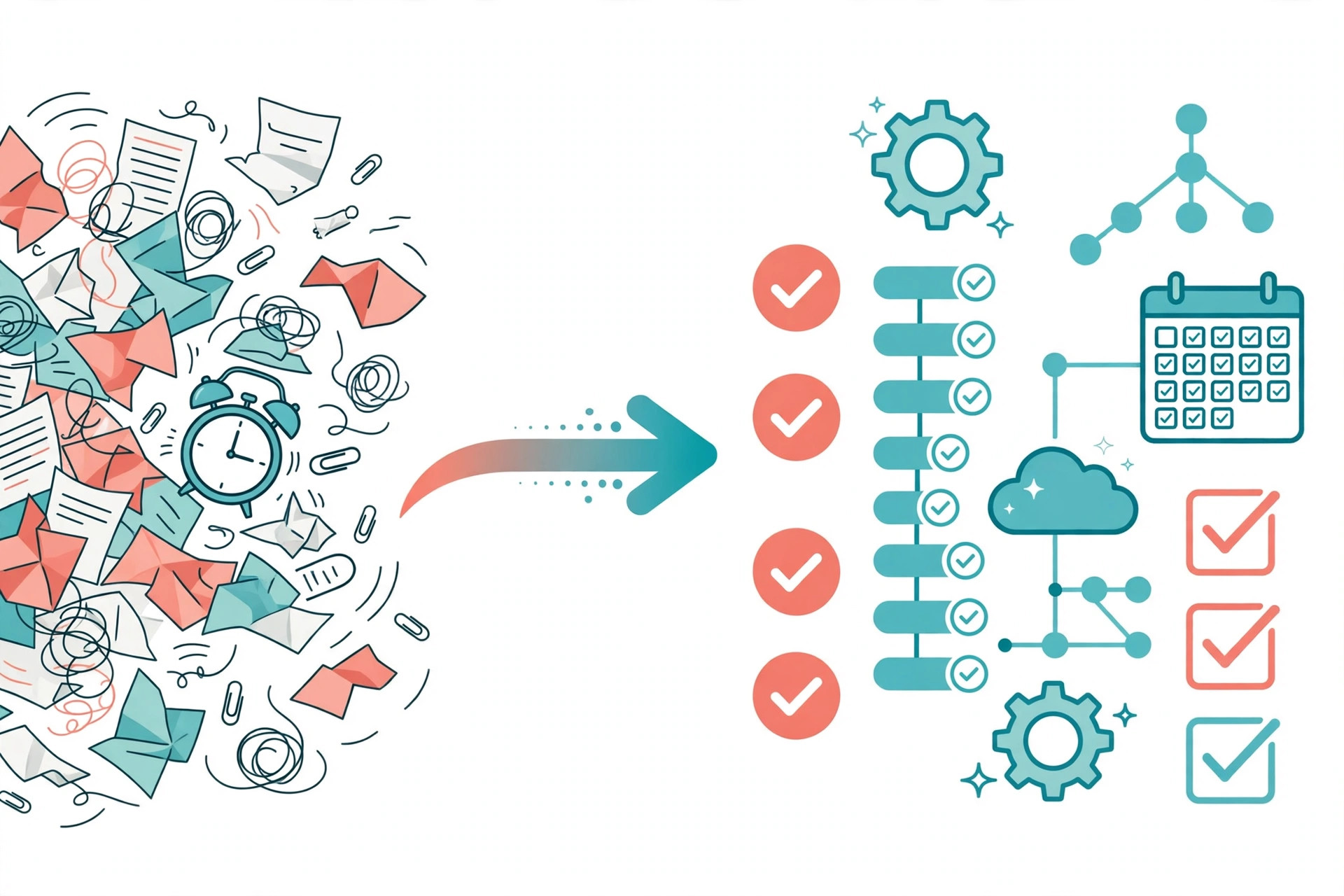
Freelancing looks like freedom from the outside. From the inside, a large share of the week is unpaid work: writing proposals that may never win, chasing invoices, reformatting deliverables, answering the same client questions, and doing revision rounds that somehow take longer than the original job. The work clients pay for is often less than half of the work you actually do.
That gap is exactly where AI tools earn their place in a freelance business. Not by doing the craft for you — clients pay for your judgment — but by shrinking the admin, drafting, and polishing hours around the craft. The right tool buys back billable hours. The wrong one just adds another subscription to the pile, which is why we judge every pick below against one test: does it pay for itself?
We already looked at the wider landscape in our best AI productivity tools roundup. This guide is narrower: nine tools chosen specifically for solo freelancers, with current pricing, honest limits, and the math on what a lean stack actually costs.
What to Look for in AI Tools for Freelancers
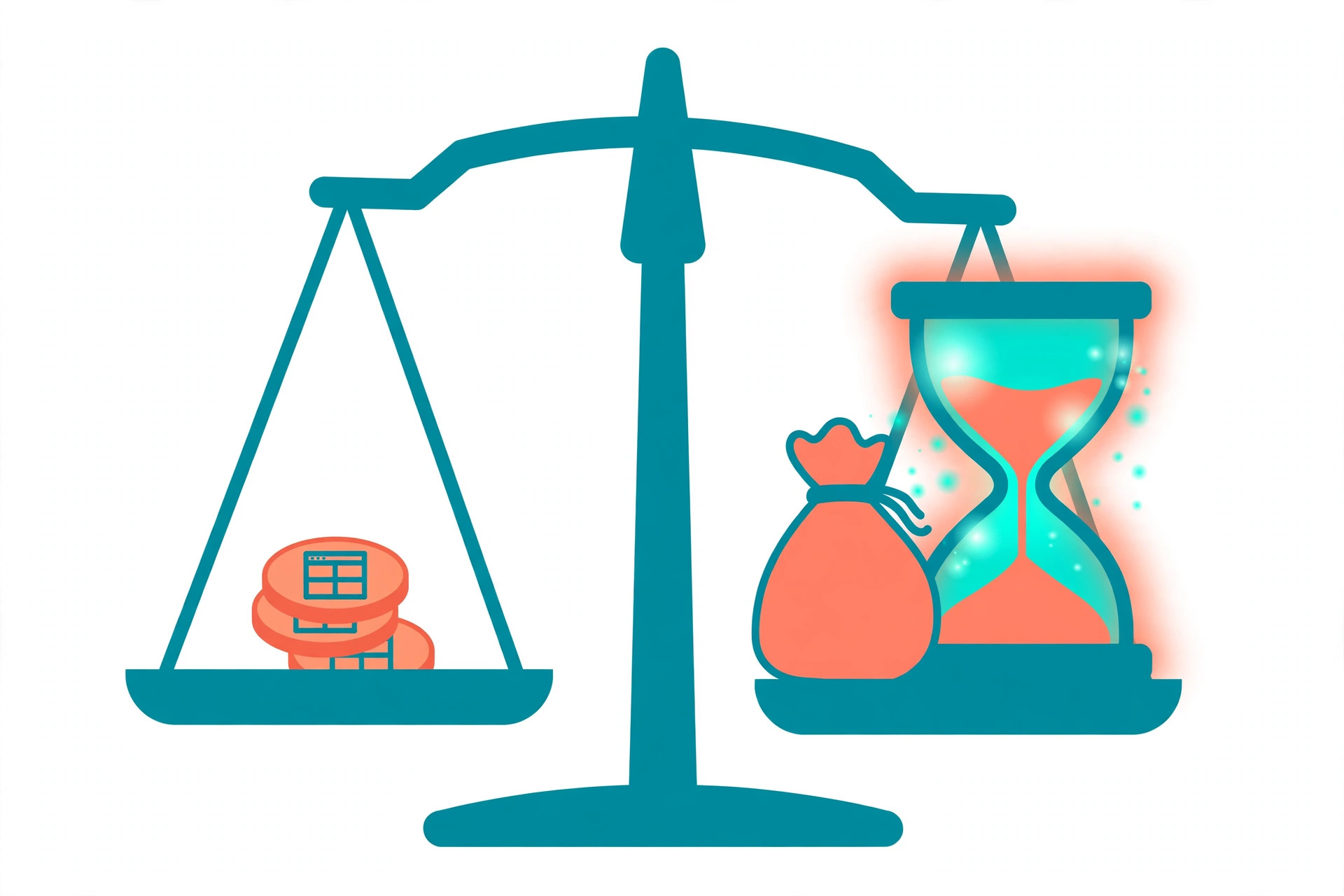
Run the billable-hour math first. A subscription is not expensive or cheap in isolation; it is expensive or cheap against your hourly rate. If you bill $50 an hour, a $20 tool needs to save you 24 minutes a month to break even. If you bill $25 an hour, that same tool needs to save 48 minutes. Do this arithmetic for every tool before you buy, and repeat it every few months, because the tools you stop opening are the ones quietly taxing you.
Start on free tiers, upgrade on evidence. Almost every tool on this list has a free plan or trial. That is not a coincidence — it is your evaluation budget. Use the free tier on real client work for two weeks. Upgrade only when you hit a limit in the middle of work you are being paid for, not when a marketing page tells you to.
Weigh the learning curve honestly. Your time setting up a tool is also a cost. A powerful automation platform that takes a weekend to learn may be worth it; three of them is a hobby, not a business. Prefer tools that fit the apps you already use — an AI that lives in your browser, your docs, and your inbox will get used. One that needs its own tab and its own ritual often will not.
Check client-facing polish and licences. Some of your output goes straight to clients: proposals, designs, voiceovers, edited videos. Two things matter there. First, quality — a tool whose output needs heavy cleanup is not saving you anything. Second, rights — confirm the plan you are on actually grants commercial use for client deliverables. Free tiers sometimes do not, and "I didn't check" is not a defence if a client asks.
Keep the stack small. Every tool below solves a different job: thinking, writing, organising, designing, polishing, editing, voicing, automating. If two subscriptions do the same job, one of them should go. Our best AI writing tools comparison goes deeper on the writing category if that is where most of your hours sit.
ChatGPT — The All-Round Assistant for Proposals, Email, and Everything Else
If a freelancer buys exactly one AI subscription, it is usually this one. ChatGPT is the general-purpose assistant we reach for when the task does not fit a specialist tool: drafting a proposal from a scrappy brief, turning call notes into a follow-up email, brainstorming angles for a client campaign, summarising a long document, or talking through pricing options before a negotiation.
For freelancers specifically, three habits make it pay. First, proposal first drafts: paste in the client brief and your rate card, and ask for a structured proposal you then edit — the blank page is the expensive part, and it disappears. Second, difficult emails: fee increases, scope-creep pushback, and late-payment reminders all get easier when you are editing a draft instead of writing from irritation. Third, reuse: save your best prompts and instructions, because the tenth proposal should take half the time of the first. Our guide on how to write better prompts covers the techniques that make the biggest difference here.
Pros: the broadest skill set of any tool on this list; strong free tier for occasional use; good at restructuring messy input into clean, client-ready formats.
Cons: output still needs fact-checking and a human edit, especially numbers and claims; the free tier's limits tend to appear at the worst times; and it will happily sound confident while being wrong, which is dangerous in client deliverables.
Pricing: a free tier is available. ChatGPT Plus costs $20 a month and is the tier most working freelancers will want, with higher limits and access to OpenAI's advanced reasoning models. Pro tiers above that (from $100 a month) are for unusually heavy users, not typical solo freelancers. Prices checked October 2026; confirm on the official site.
Claude — For Long Documents, Contracts, and Careful Rewriting
Claude, from Anthropic, is the other assistant we recommend without hesitation — and the one we pick when the work is long, delicate, or both. Freelancers who write reports, edit manuscripts, draft contracts and statements of work, or rewrite sensitive client copy tend to prefer how Claude handles nuance. It follows detailed instructions carefully and is noticeably good at holding a document's structure over many pages.
The freelancer use case we see most: paste in a rambling client brief, a contract draft, or three pages of feedback, and get back something organised and readable. Claude's Projects feature also lets you keep a client's background material in one place, so repeat work for the same client starts from context instead of from zero. If you are choosing between the two assistants, our advice is simple: ChatGPT for breadth and integrations, Claude for writing quality and long-form care. Plenty of freelancers run the free tier of one alongside a paid plan of the other.
Pros: excellent long-document handling; careful, natural rewriting that rarely sounds robotic; strong at summarising and restructuring messy input.
Cons: usage is metered in rolling windows plus weekly caps on paid plans, so very heavy users can hit limits mid-project; fewer built-in extras than ChatGPT; and like every model here, it can still make confident mistakes in contracts — proofread anything legally binding yourself.
Pricing: a free tier is available. Claude Pro costs $20 a month billed monthly, or about $17 a month billed annually. Max plans from $100 a month exist for people who hit Pro's limits daily, which most freelancers will not. Prices checked October 2026.
Rytr — The Budget Writing Tool for Proposals and Short Copy
Not every freelancer needs a frontier model to write a proposal, a product description, or a polite follow-up email. Rytr is a template-driven AI writer built for exactly that short-form work: 40-plus use cases covering emails, proposals, cover letters, social captions, and marketing copy, with tone controls so the output does not all sound the same.
What makes Rytr interesting for freelancers is the price. It is the cheapest paid tool on this list by a wide margin, and its free plan is a genuine free plan — 10,000 characters a month, no card required — rather than a seven-day trap. Paid plans add unlimited generation and a built-in plagiarism checker, which matters if client copy passes through your hands on its way to publication. In our Jasper vs Copy.ai comparison we looked at the premium end of this category; Rytr is the honest answer for freelancers who need the output but not the enterprise price tag. (Full disclosure: the link above is our affiliate link — it costs you nothing extra.)
Pros: the lowest credible price in AI writing; template-first design means almost no learning curve; multilingual output on the Premium plan for freelancers serving clients in several languages.
Cons: long-form work is its weak spot — articles need to be built section by section and edited together; SEO features are thin compared with dedicated tools; and character-based allowances on the free plan run out faster than people expect.
Pricing: Free plan with 10,000 characters a month. The Unlimited plan costs $9 a month (about $7.50 a month billed annually) for unlimited characters. Premium costs $29 a month (about $24 billed annually) and adds more languages and plagiarism-check allowance. Prices checked October 2026.
Notion — Organising Projects, Clients, and Your Whole Pipeline
Freelancers rarely lose money inside a project. They lose it between projects: the lead that never got a follow-up, the brief saved in an email thread, the invoice nobody tracked. Notion is the workspace we recommend for holding the whole business in one place — a pipeline board for leads, a page per client with their briefs and brand notes, templates for proposals and onboarding, and a simple dashboard for what is due this week.
Notion AI sits inside that workspace rather than in a separate tab. It summarises meeting notes and long briefs, drafts status updates and proposal sections from your own pages, fills database properties automatically (tagging leads, extracting due dates), and answers questions across your workspace — genuinely useful when a client asks "what did we agree in March?" and the answer is buried in forty pages of notes. If you are comparing workspace tools, our best AI tools for small businesses guide covers Notion alongside the other options solo operators usually shortlist.
Pros: one home for pipeline, projects, and documents; templates make repeat admin nearly free once set up; the AI works on your own material, which is where a freelancer's real context lives.
Cons: the honest catch is pricing structure. Notion restructured its plans, and the full AI feature set now comes bundled with the Business plan rather than as a cheap add-on — meaningful money for a solo operator. If you only need project tracking, the free and Plus plans do that job without AI. There is also a setup cost in time: a Notion workspace pays off after you build it, not before.
Pricing: the Free plan covers basic workspace use with a limited AI trial. Plus costs $10 per member a month billed annually ($12 monthly) but only includes a limited trial of the AI features for new accounts. Full Notion AI comes with the Business plan at $20 per member a month billed annually ($24 billed monthly). Prices checked October 2026 — this one has changed recently, so check the official pricing page before committing.
Canva — Design Deliverables Without a Design Department
Plenty of freelance work has a visual component the client assumes is included: the social posts to promote the article, the slide deck for the strategy, the one-page PDF lead magnet. Canva is how non-designers produce those deliverables at a professional standard, and how freelance designers themselves move faster on routine work.
The AI layer is called Magic Studio. Magic Design turns a brief into draft layouts; Magic Write drafts the copy inside the design; the background remover and Magic Edit fix product and portrait photos in seconds; Magic Switch reformats one design into every size a client asks for. The Brand Kit on paid plans stores each client's colours, fonts, and logos, which is the difference between "made a graphic" and "made a graphic that looks like the client's business." For freelancers selling content packages, this is often the tool clients notice most, because they can see it.
Pros: an enormous template library that makes competent design fast; AI features are bundled into one plan instead of sold as separate subscriptions; clients can comment and approve inside shared links, which cuts email ping-pong.
Cons: AI generation on Pro runs from a monthly credit pool, and heavy generators can hit the ceiling mid-month; results can look generic if you accept the first draft — the templates everyone uses are recognisable; and it is not a substitute for professional vector or print tools when a job genuinely needs them.
Pricing: a free tier covers basic design with limited Magic Studio use. Canva Pro costs $15 a month, or $120 billed yearly, and unlocks the full Magic Studio toolkit, the Brand Kit, and the premium asset library. Prices checked October 2026.

Grammarly — The Polish Layer on Everything You Send a Client
Your deliverables can be brilliant and still lose you the next contract if the proposal announcing them is full of typos. Grammarly is the safety net: it checks grammar, spelling, clarity, and tone everywhere you type — email, docs, your browser, your project tools — and the paid tier adds full-sentence rewrites, tone adjustment, and a plagiarism check.
For freelancers, the value is concentrated in client-facing moments. The proposal, the delivery email, the case study on your own site, the awkward message explaining a delay. Grammarly's tone detection alone is worth having on those days: it will tell you the message you wrote in a hurry reads as "curt" before your client does. Writers whose first language is not English consistently tell us it is the subscription they would cancel last, because it closes the gap between what they mean and what a native reader sees.
Pros: works inside the apps you already write in, so there is nothing new to open; corrections are instant and usually right; the plagiarism checker on Pro is a useful pre-delivery check for writers.
Cons: month-to-month billing is expensive — the sensible price is the annual one; suggestions can flatten your voice if you accept them all blindly, especially in creative work; and it is a polishing tool, not a drafting one — it will not write the proposal for you.
Pricing: the Free plan covers basic corrections and tone detection, with 100 generative AI prompts a month. Grammarly Pro costs $30 a month billed monthly, or $12 a month billed annually ($144 a year), and raises the AI allowance to 2,000 prompts a month alongside rewrites and plagiarism checks. Prices checked October 2026.
Descript — Editing Audio and Video by Editing Text
If your freelance work involves podcasts, courses, coaching calls, webinars, or client video, editing is probably your biggest unbillable sinkhole. Descript's idea remains the most practical in this category: it transcribes your recording, and you edit the media by editing the transcript. Delete a sentence from the text and it disappears from the audio. Search for "um" and remove every filler word in one pass.
The freelancer workflow is hard to argue with. A one-hour client call becomes a clean recap video, a set of short clips, and show notes in an afternoon instead of a day. Studio Sound cleans up recordings made in imperfect rooms — the home-office echo that makes clients quietly doubt your professionalism. Eye Contact and green-screen tools help solo creators look polished without a studio. We cover Descript's place in the creator toolkit in our best AI tools for YouTubers guide as well.
Pros: genuinely faster editing for spoken-word content; transcription is included rather than a separate subscription; clients can review and comment on a link instead of downloading huge files.
Cons: know the meters before you buy — plans are limited by media hours (the footage you upload, not just what you publish) and by AI credits for features like Studio Sound, and unused allowances do not roll over; it is built for talking content, not cinematic editing; and transcription accuracy drops on heavy accents and crosstalk, so budget proofreading time.
Pricing: the Free plan includes 1 media hour a month, with watermarked 720p exports. Hobbyist costs $24 a month billed monthly, or $16 a month billed annually, with 10 media hours. Creator costs $35 monthly or $24 on annual billing, with 30 media hours and 4K exports — the tier most working video freelancers land on. Prices checked October 2026.
ElevenLabs — Professional Voiceovers Without a Studio
Voice freelancers, video editors, course creators, and podcast producers all run into the same job eventually: narration that needs to sound professional, delivered fast, sometimes in several languages. ElevenLabs is the text-to-speech tool we recommend for that work, and it is the pick of our best AI voice generators roundup. Its voices are convincing enough for client deliverables, and its voice cloning lets you generate narration in your own voice — record once, then produce pickups and revisions without re-recording a word.
That cloning workflow is the freelancer story here. A client asks for one changed sentence in a delivered narration; instead of booking your booth time again, you generate the line and patch it in. Dubbing tools extend the same deliverable into other languages, which turns one job into several billable versions. (Full disclosure: the link above is our affiliate link.)
Pros: the most natural-sounding output in its class; instant voice cloning on paid plans, with professional cloning on Creator and above; roughly 1,000 characters of text produces about a minute of audio, which makes quoting jobs easy.
Cons: the licence line is the thing to respect — the free tier is non-commercial, so client work requires a paid plan; characters do not roll over between months, which punishes bursty workloads; and you should always tell clients when a deliverable uses a cloned or synthetic voice rather than a live performance (see the mistakes section below).
Pricing: the Free plan includes 10,000 credits a month for testing, without commercial rights. Starter costs $6 a month with 30,000 credits, a commercial licence, and instant voice cloning. Creator costs $22 a month with 121,000 credits — roughly two hours of audio — and professional voice cloning. Prices checked October 2026.
Zapier — Automating the Admin You Never Bill For
Every freelancer has a chain of small tasks that follows every project: the signed proposal becomes an invoice, the invoice needs a reminder, the finished project needs a folder, a testimonial request, and an entry in the accounts spreadsheet. None of it is skilled. All of it is you, at 9 p.m., unpaid. Zapier connects the apps you already use so those chains run themselves: a form submission creates the invoice draft and the project folder; a paid invoice triggers the thank-you email and the testimonial request a week later.
Zapier's strength is breadth and reliability — it connects thousands of apps, including the obscure invoicing or CRM tool your workflow depends on, and its automations (Zaps) are quick to build from templates. The honest alternative is Make, which is cheaper and more powerful for complex, branching workflows, but has a steeper learning curve and a credit system that takes an afternoon to understand. Our rule: Zapier if you want it working today, Make if you enjoy optimising and your automation volume is high.
Pros: the widest app coverage in the category, so your existing tools almost certainly connect; templates for the common freelancer chains (lead → proposal → invoice) mean you rarely start from zero; set-and-forget reliability once a Zap is tested.
Cons: pricing is per task — every successful action counts — so multi-step Zaps on busy workflows can push you up tiers faster than expected; and automation can faithfully do the wrong thing at scale, so test with your own data before trusting a Zap with client-facing messages.
Pricing: the Free plan includes 100 tasks a month, enough to automate one or two simple chains. Paid plans start at $19.99 a month billed annually for 750 tasks. For comparison, Make's Core plan costs $9 a month billed annually ($10.59 monthly) with 10,000 credits and a free tier of 1,000 credits — more headroom for less money, in exchange for that learning curve. Prices checked October 2026.
The Freelancer Stack on a Budget
You do not need all nine tools. Here is a worked example — and it is an example, using one plausible set of rates, so redo the arithmetic with your own numbers.
The lean stack: Rytr Unlimited ($9) + Canva Pro ($15) + Grammarly Pro on annual billing ($12) + Make Core on annual billing ($9) + ChatGPT Plus ($20). Total: $65 a month.
The example freelancer: suppose you bill $40 an hour. The stack breaks even if it saves you $65 ÷ $40 = about 1 hour 40 minutes a month. That is one proposal drafted instead of written from a blank page, or two weeks of invoice reminders you never typed. If those five tools together save a modest five hours a month — proposal drafts, design resizing, polishing, automated admin — that is $200 of billable time recovered for $65, or $135 a month ahead. At a $25 hourly rate the same stack needs 2 hours 36 minutes saved to break even; at $75 an hour, just 52 minutes. The tools do not change; your rate changes the verdict.
The $0 stack: if cash is tight, start entirely free — ChatGPT and Claude free tiers for thinking and drafting, Rytr's free plan for short copy, Canva and Grammarly free tiers for design and polish, Notion's free plan for your pipeline, and Make's free tier (1,000 credits) for your first automations. The limits will bite eventually, and that bite is useful information: it tells you exactly which upgrade to buy first.
Mistakes Freelancers Make With AI Tools
Pasting client material into every tool that asks. Confidential briefs, unreleased financials, customer data, and code under NDA do not belong in tools whose terms you have not read. Check each tool's data policy, use the privacy controls and opt-outs where they exist, and when a client's material is genuinely sensitive, keep it in tools — and tiers — whose terms you have verified, or out of AI tools entirely. One careless paste can cost you the client and the reputation.
Hiding AI use when a client would reasonably expect to know. Rules differ by industry and contract, but the safe line is deliverables where the human performance is the product: a "handwritten" brand voice, a "live-recorded" voiceover, photography, illustration. Disclose, get it in the agreement where it matters, and never let a client discover it from someone else.
Over-automating client communication. Automate reminders, scheduling, and status updates freely. But the first message to a new lead, the reply to an unhappy client, and the negotiation email should sound like you on your best day, not like a workflow. Clients hire freelancers partly to escape dealing with systems. A templated follow-up that forgets their name, project, or context can undo the trust the tools were meant to protect.
Subscribing instead of testing. Nine tools at full price is over $150 a month, and we have never met a freelancer who needs all nine. The stack above works because each tool has one job. Buy for the bottleneck you actually have this month, prove it saves the hours, then consider the next one.
Frequently Asked Questions
How much should a freelancer spend on AI tools each month?
There is no universal figure, but the test is: less than the value of the hours saved. Many solo freelancers land between $20 and $70 a month — one assistant subscription, plus two or three specialists aimed at their actual bottleneck. If your tools cost more than about two billable hours a month and you cannot name the hours they return, cut something.
Which one tool should I buy first?
The general assistant you will actually open every day — ChatGPT Plus or Claude Pro, both $20 a month. Everything else depends on your trade: writers add Rytr or Grammarly, visual freelancers add Canva, media freelancers add Descript or ElevenLabs, and everyone eventually adds automation.
Can I use free AI tools for client work?
Often yes, but check the licence per tool rather than assuming. The general chat assistants let you use outputs in your work, while media tools can be stricter — ElevenLabs' free tier, for example, is non-commercial, and Descript's free exports are watermarked. The plan page of each tool in this guide states the terms that matter; read them before a deliverable depends on them.
Do I have to tell clients I use AI tools?
It depends on the work and your contract, but transparency is the safer default for anything where the client is paying for a human performance or original authorship. Many clients are fine with AI-assisted drafting, design, and admin — it is discovery after the fact that damages trust. When in doubt, one line in your proposal ("deliverables produced with AI assistance, reviewed and edited by me") settles it.
Are these subscriptions tax-deductible?
In many countries, software you buy for client work counts as a business expense, but the rules — and what you can claim as a sole trader versus a company — vary a lot by place. Treat the receipts as business records and confirm the specifics with your accountant or local tax guidance rather than relying on a blog post, including this one.
Will clients pay less if they know AI makes me faster?
Some will try, which is an argument for pricing outcomes rather than hours where you can: a fixed fee for the deliverable does not shrink because you produced it efficiently. Clients are buying the result, your judgment, and your accountability for both. Speed is your margin, not their discount.
The Bottom Line
Freelancing pays for judgment and starves on admin. The nine tools above attack the starving part: ChatGPT and Claude for thinking and drafting, Rytr for cheap short-form copy, Notion for the pipeline, Canva for visual deliverables, Grammarly for polish, Descript and ElevenLabs for media work, and Zapier or Make for the unpaid chains in between. Start free, upgrade the one tool whose limit you keep hitting, and re-run the billable-hour math every quarter. A stack that pays for itself is not a cost of doing business — it is the business, compounding quietly in your favour.
Reader reviews
Loading reviews…
